Need help with ReadySetSocial? Below are quick answers, troubleshooting steps, and how to contact us.
Quick Start
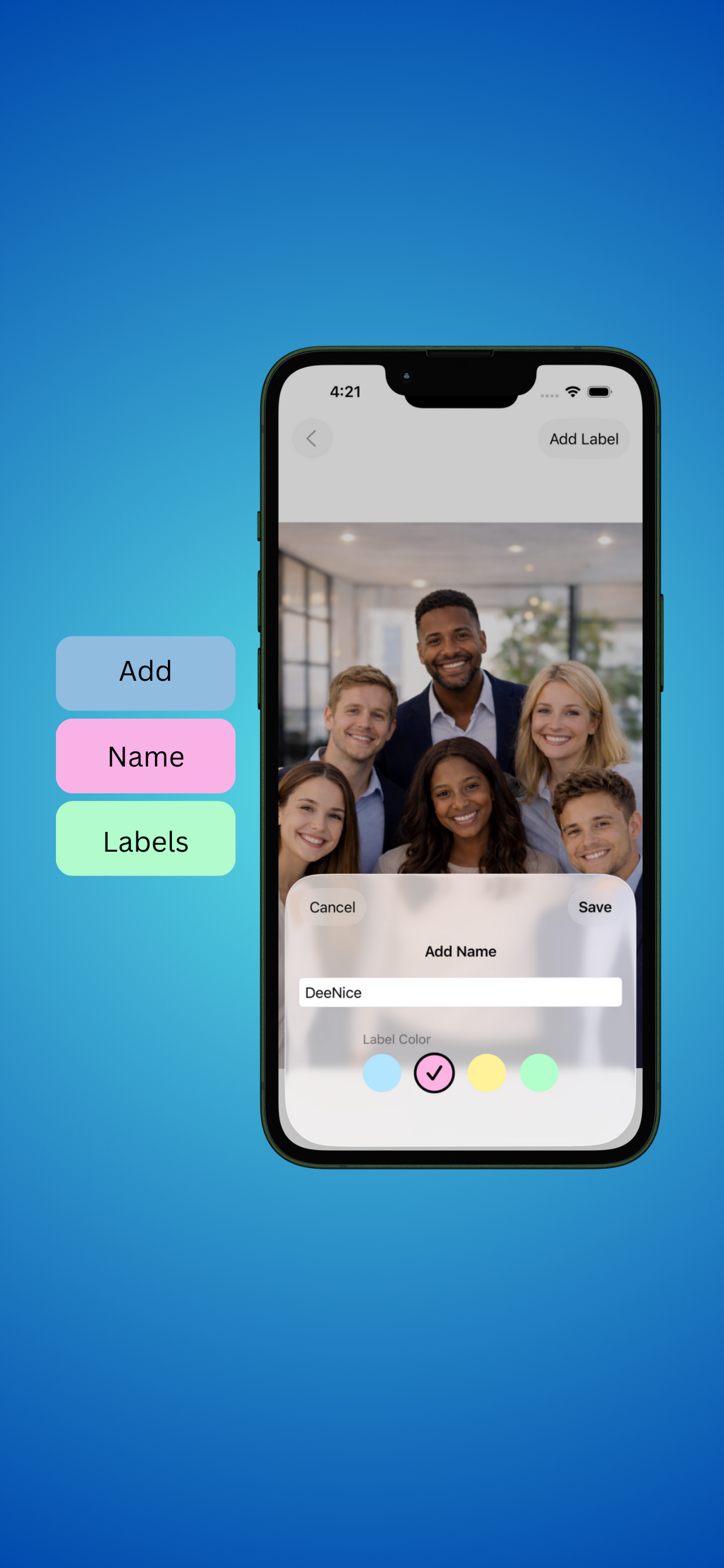
Select a photo → detect faces → tap a label → enter a name → save.
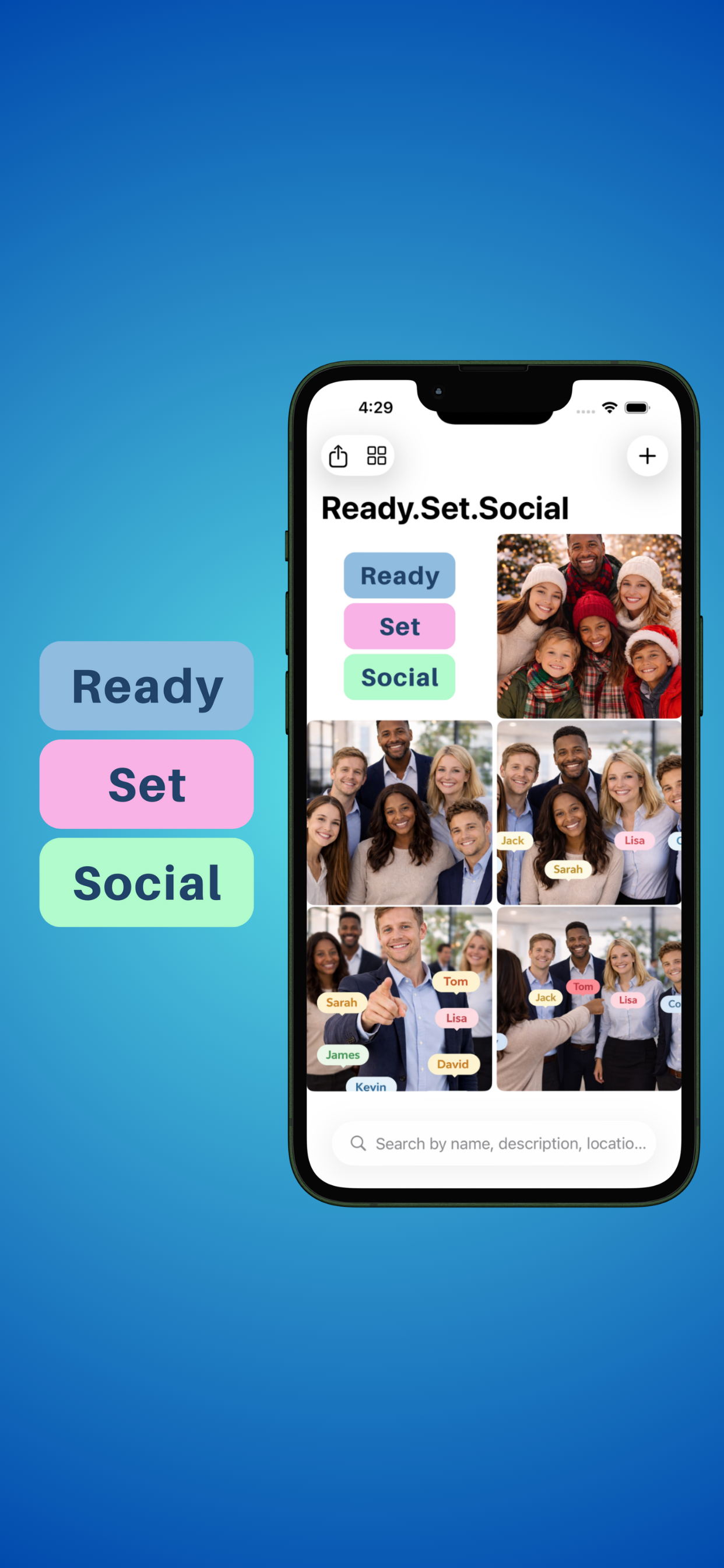
Browse saved photos like Apple Photos. Search by name, description, or location.
Frequently Asked Questions
No. ReadySetSocial uses on-device face detection to find faces in a photo, then you manually add names. We don’t match or identify people.
Photos, labels, and metadata are stored locally on your device. ReadySetSocial does not upload your content to a server.
You can search saved photos by name, description, or location (if available).
No. There are no logins, accounts, or sign-ups.
If you choose to share an image from your device, it will share just like any other photo. ReadySetSocial does not share anything automatically.
Troubleshooting
Check permissions: Settings → Privacy & Security → Photos → ReadySetSocial → allow access.
Some photos with extreme angles/lighting can affect detection. Try a clearer photo or zoom in slightly before saving.
- Force close and reopen the app
- Confirm you tapped Save after labeling
- Update iOS and the app to the latest version
- Restart your iPhone
Because data is stored locally, uninstalling may remove stored data. Restoring from a full device backup may recover it depending on your backup settings.
Contact
Craft and Coded
Privacy
ReadySetSocial stores data locally and does not collect or transmit personal data. Read the full policy here: Privacy Policy
© Craft and Coded. All rights reserved.